Web and desktop apps, Live
Hejj Messenger
A nostalgic instant messenger for Mac and the web
Purple windows, a buddy list, smileys, away messages and BUZZ!!!, in two versions: on the web, built into hejj, and as a free Mac app in your menu bar.
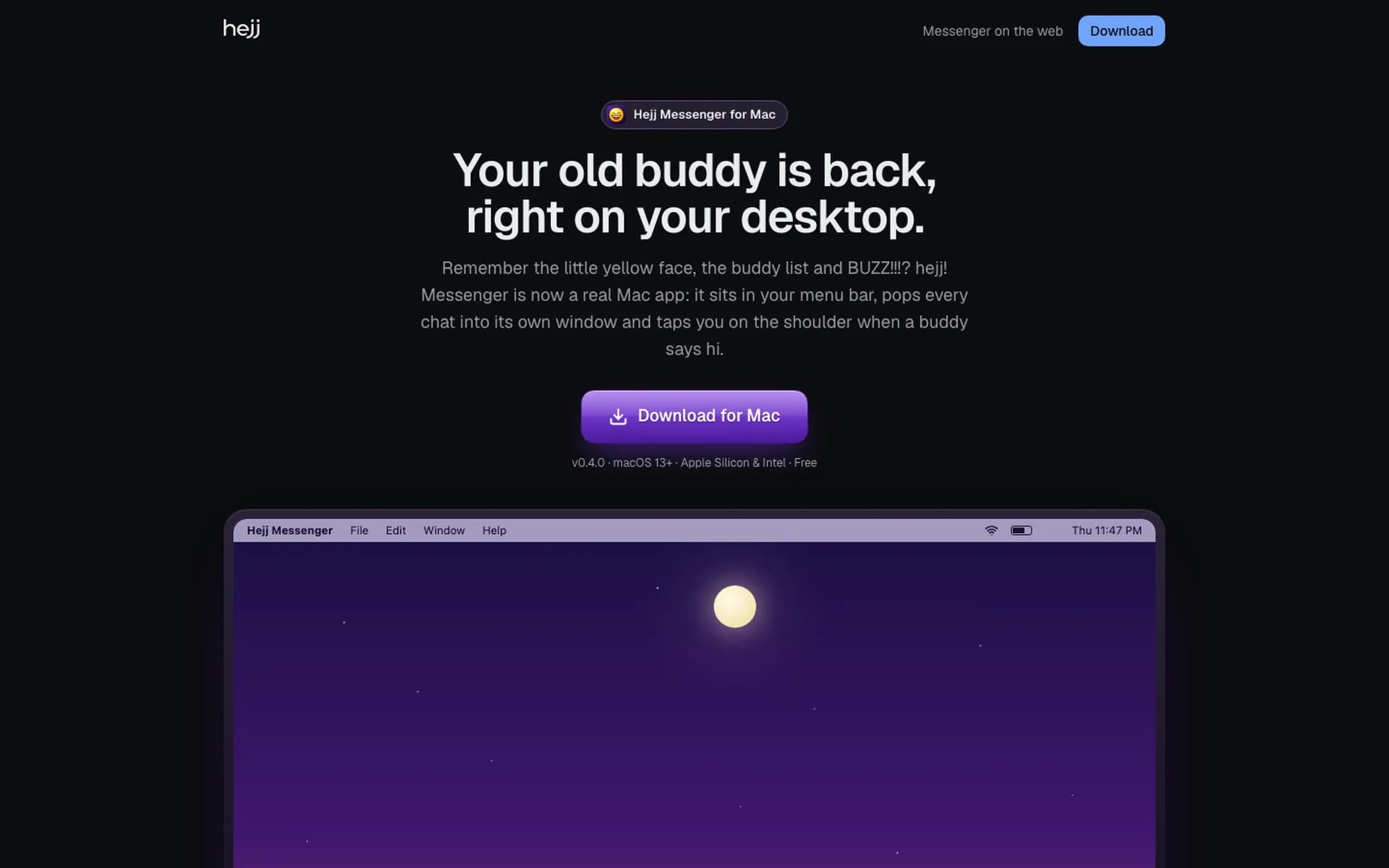
Sketch to Ship
Buddy list and chat windows, like the messengers of 2004.
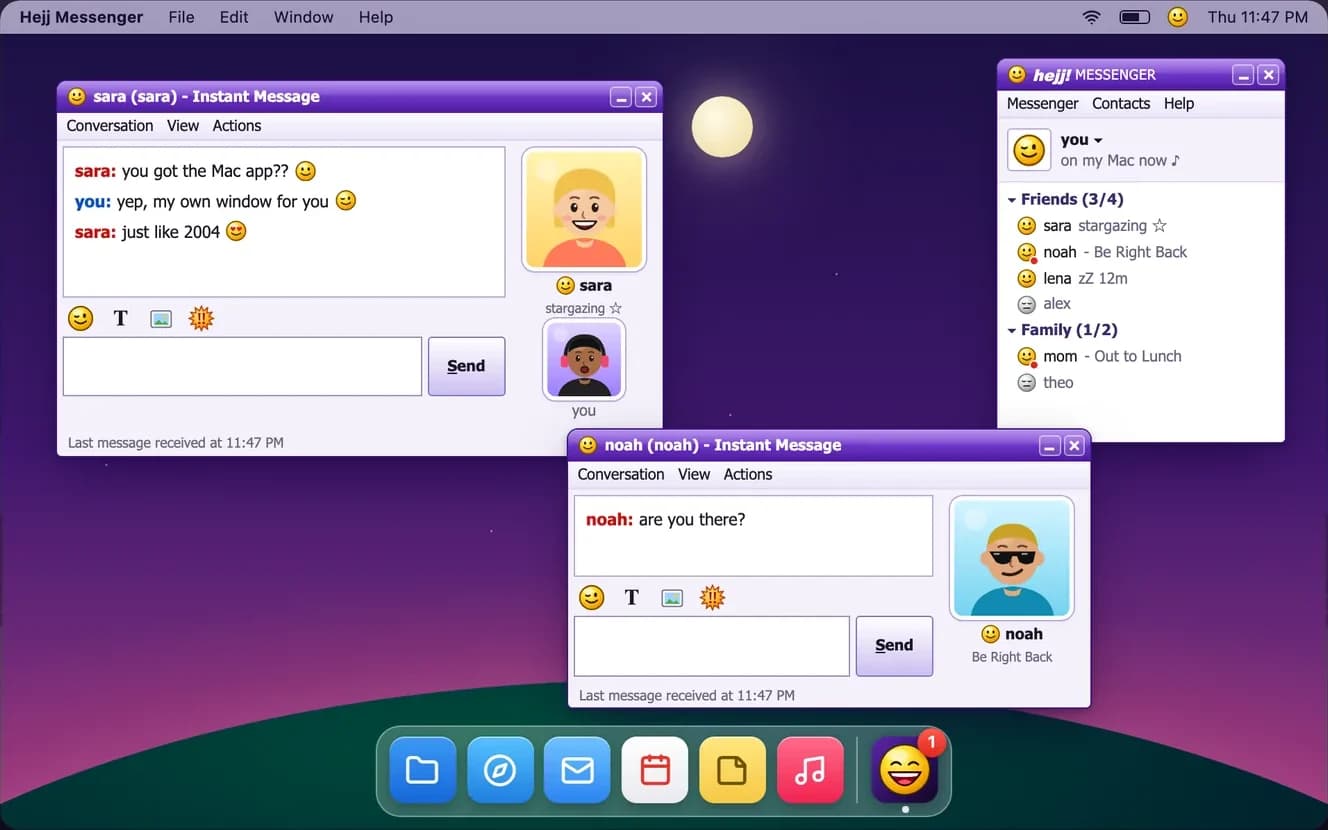 Shipped
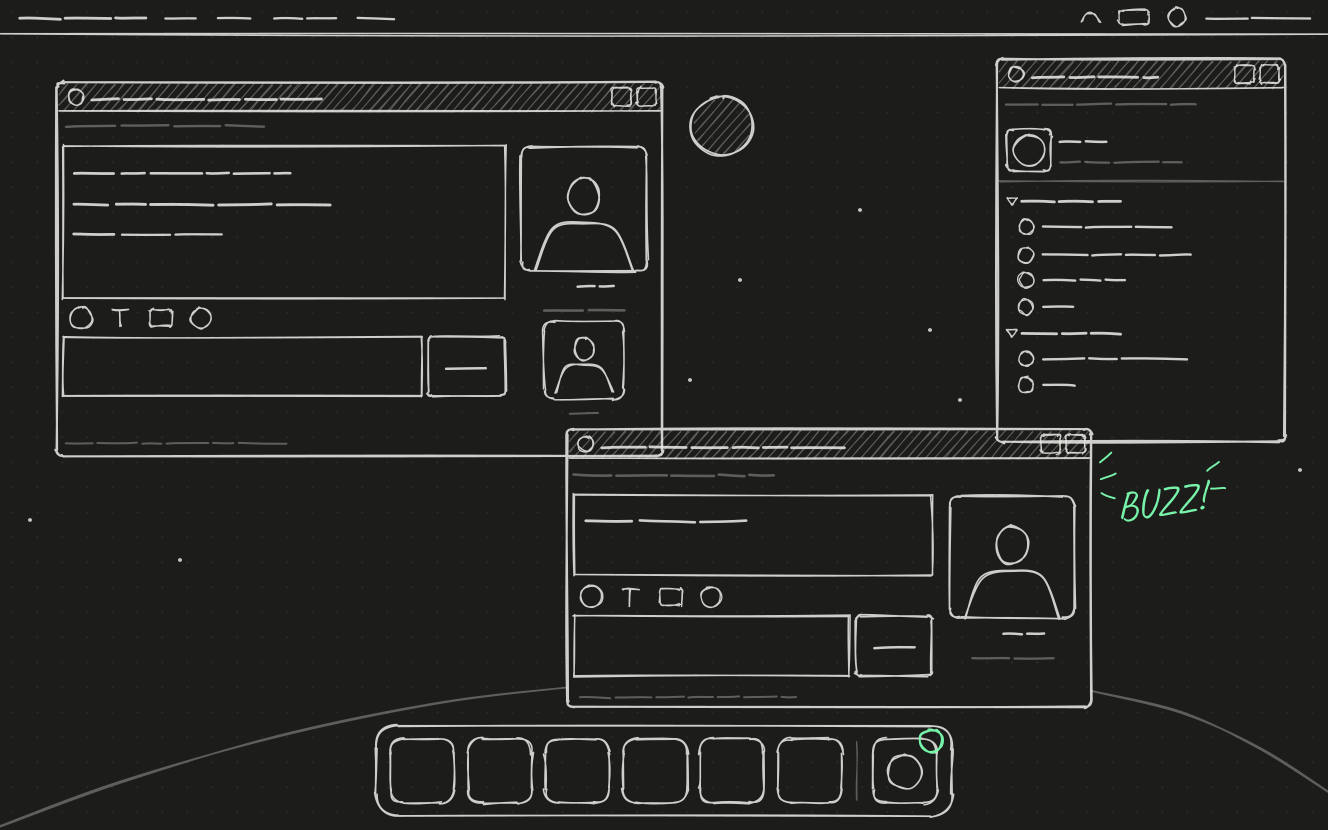 Sketch
Stack
- Tauri
- macOS
- Next.js
- React
- TypeScript
- SQLite
- Server-sent events
- Status
- Live
- Type
- Web and desktop apps
The problem
The early-2000s instant messengers, with their buddy lists, away messages and BUZZ!!!, are gone. Hejj Messenger brings that feel back for the people you chat with.
What it does
Hejj Messenger is a text messenger modelled on the messengers of the early 2000s: a purple sign-in window, a buddy list, smileys, away messages, the sign-in chime and BUZZ!!!. It comes in two versions: on the web, built into hejj, and as a free Mac app that puts your buddy list in the menu bar, opens every chat in its own desktop window, and shows notifications and a Dock badge for unread chats.
How it's built
The messenger lives inside hejj (Next.js, React, TypeScript), with its own SQLite database for messages and real-time updates over server-sent events. The Mac app is built with Tauri. You sign in through hejj in your browser, with no new password, and your chats are kept encrypted on your Mac.
Key features
On your Mac
- The buddy list sits in your menu bar and Dock; close the window and your buddies stay a click away
- Every chat in its own desktop window: drag, stack, or move it to another screen, and it comes back where you left it
- BUZZ!!! shakes the chat window and bounces the Dock icon
- Mac notifications for new messages, and a Dock badge that counts unread chats
- Start at Login keeps you online all day, and the app updates itself quietly
The messenger
- Purple windows, smileys, away messages and the sign-in chime
- 52 original emoticons, each with a small animation
- Pictures in chats
- Contacts only: you can message, buzz or see the status of people who accepted you
Getting started
- One disk image for every Mac: macOS 13 or later, Apple Silicon and Intel
- Drag it to Applications, then sign in with your hejj account in the browser
- Free, and also available in the browser as part of hejj
Mac app
Hejj Messenger
- Requires
- macOS 13 or later, Apple Silicon and Intel
- Version
- 0.4.0
- Built with
- Tauri
Screens
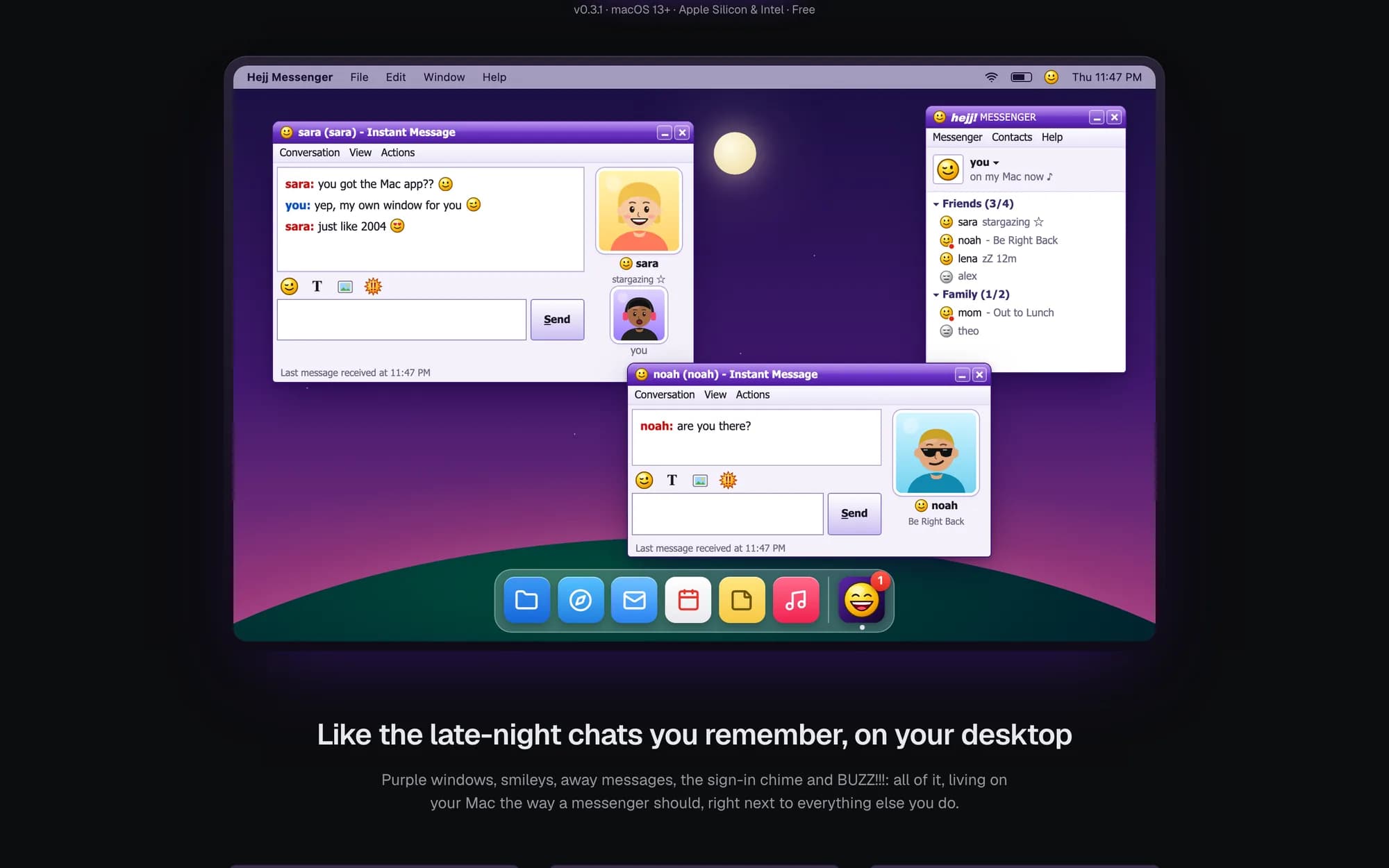
Buddy list and chat windows on the Mac 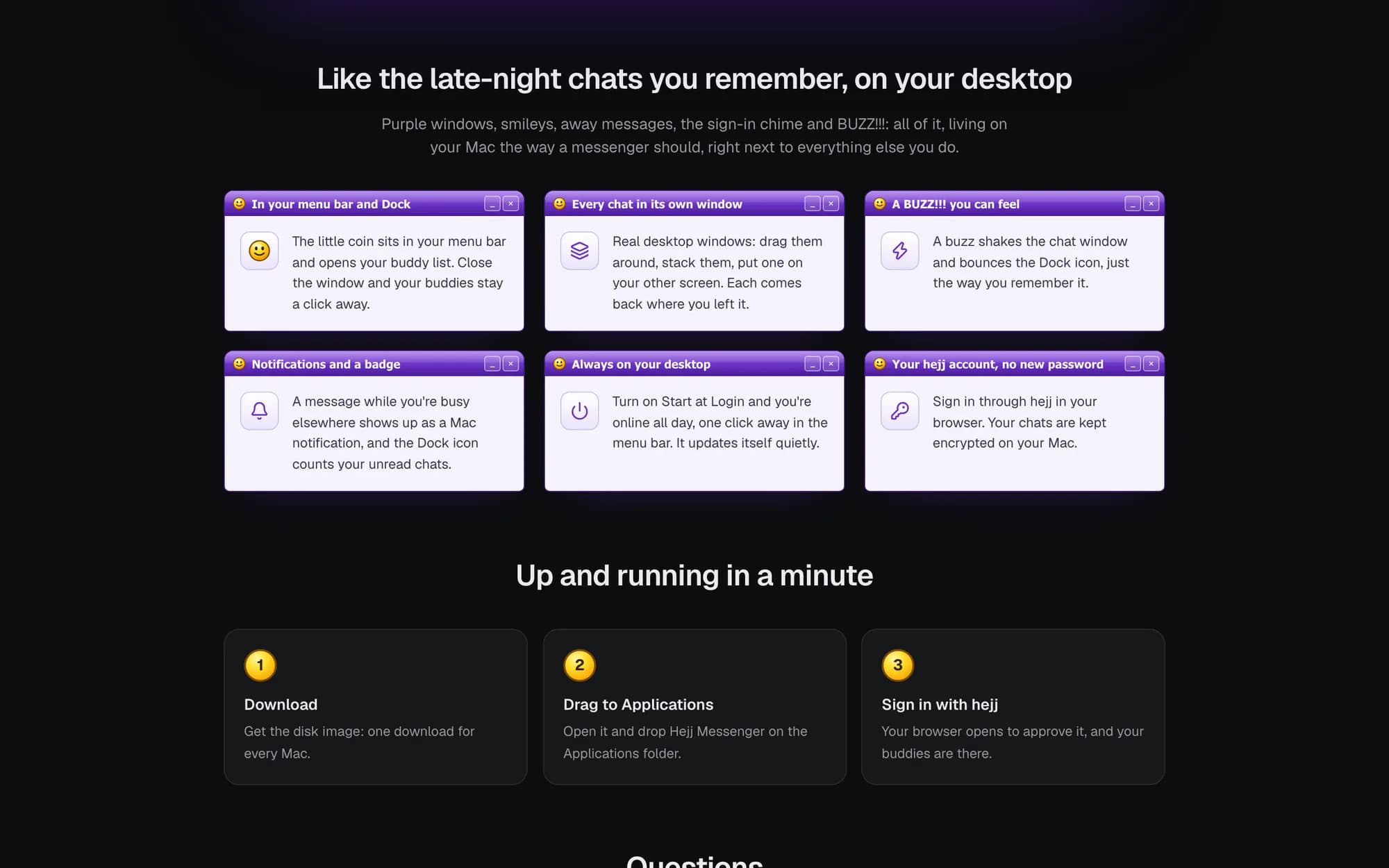
Mac app features
Contact
Want something like this built?